
Design Tools
9 stories
-
GIMP vs Photoshop: An Honest Comparison
Torn between GIMP vs Photoshop? For screen work, GIMP may be all you need. For commercial print, CMYK support is the deciding question, and it is where GIMP has lagged. This comparison is part of our guide to the best graphic design software, where you can see more tools side by side. These figures come…
-

Free Graphic Design Software Worth Using
Looking for free graphic design software that won’t box you in? Start with Canva for quick social graphics, GIMP for photos, Inkscape for logos and Krita for drawing. Each one is free to start. If you also want to see what paid programs add, the best graphic design software guide covers that side. These figures…
-

Canva Alternatives for Simple Design Work
Tired of Canva’s price or limits? The best canva alternatives for simple design work are Adobe Express for all-round use, Pixlr X for free editing, and Snappa for occasional social images. If you also need tools beyond simple templates, the best graphic design software roundup covers the wider field. These figures come from Themeisle’s comparison,…
-
Photoshop vs Illustrator: What Each One Is For
Not sure which to open first? Photoshop vs Illustrator comes down to what you’re making: Illustrator for scalable vector artwork such as logos, Photoshop for editing photos and pixel-based images. If you are comparing more tools than these two, our guide to the best graphic design software shows where both programs fit. These details come…
-

Vector vs Raster Graphics: Differences and When to Use Each
Not sure whether your logo or photo needs pixels or paths? In the vector vs raster graphics choice, use vector for logos, icons and type that must scale, and raster for photographs and rich color. If you also want tools that make each type, start with our guide to the best graphic design software. These…
-
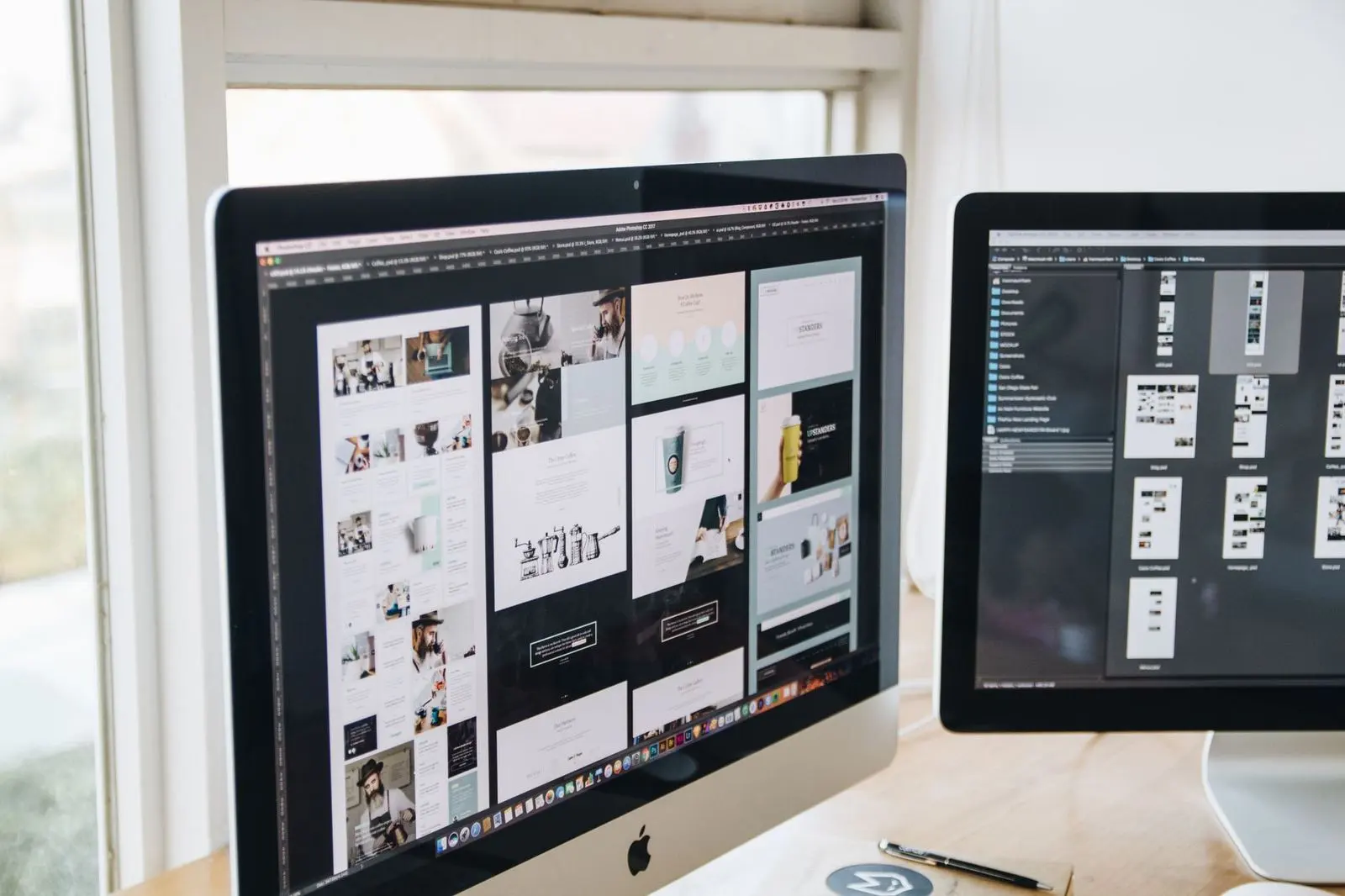
Best Graphic Design Software: How to Pick the Right Tool
Not sure which design app deserves your money? The best graphic design software is the one that fits your projects and budget: Adobe for breadth, Affinity for a one-off price, GIMP or Canva for free. The prices come from TechRadar’s guide and the app and program counts from Webflow’s guide. Prices and plans can change,…
-

How to Use Canva: A Beginner Walkthrough
Staring at a blank page and not sure where to begin? Here is how to use Canva: create a free account, open Home, pick a design type or a template, then edit it step by step. This walkthrough sits inside the wider guide to the best graphic design software, where Canva is one of the…
-
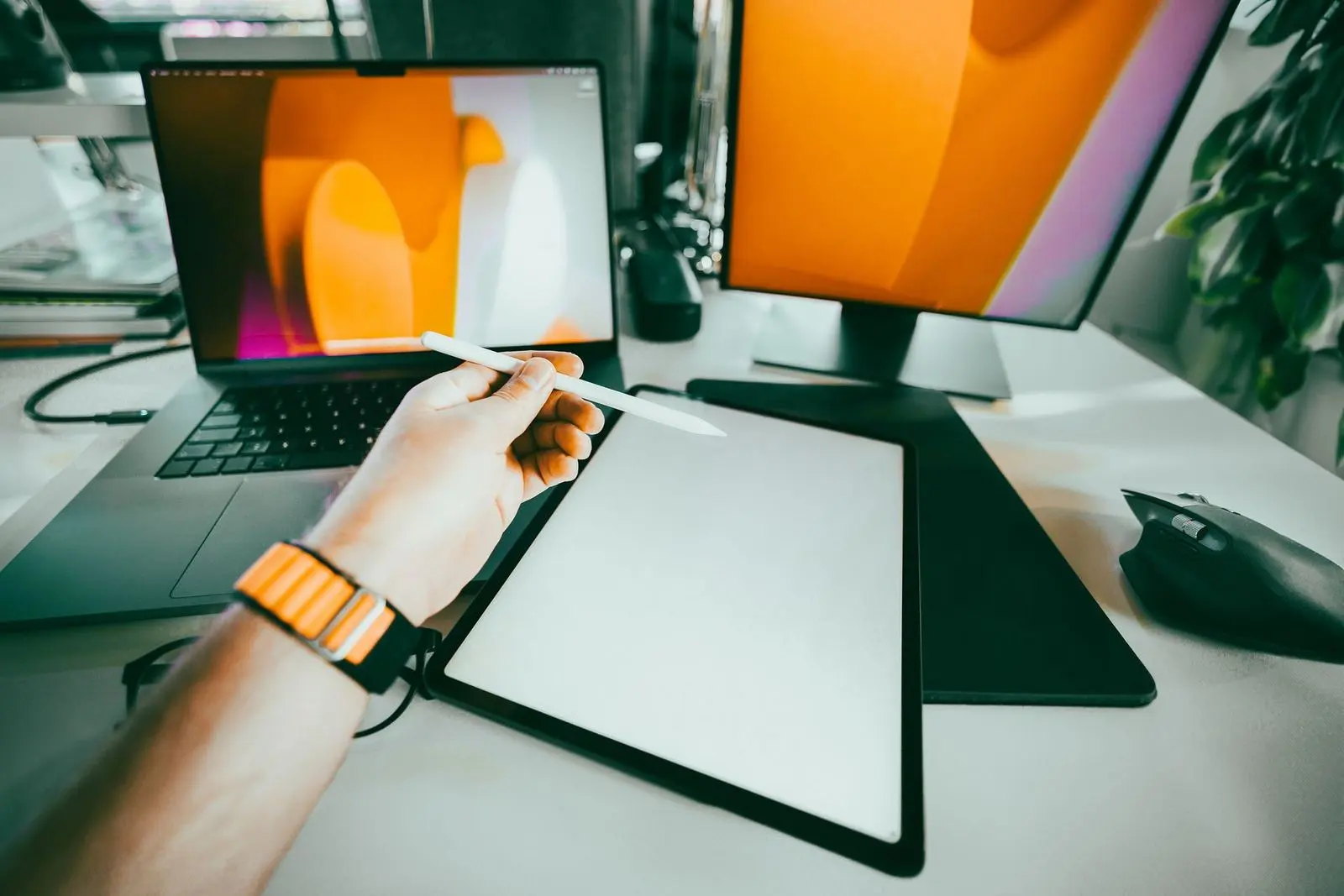
Choosing a Drawing Tablet for Graphic Design
Choosing the best drawing tablet for graphic design gets easier once you know how you work. For most designers, a pen tablet or pen display wired to your computer is the safest start, and a tablet computer suits mobile work. This guide sits alongside our overview of the best graphic design software, so you can…
-

Figma for Beginners: First Steps in the Editor
You just opened Figma and the screen looks crowded. Figma for beginners comes down to a few habits: learn the editor’s regions, pan and zoom the canvas, and split your work into pages. This guide is part of our look at the best graphic design software, so you can see where Figma fits. These figures…