Not sure how to turn scattered ideas into a clear look? A brand mood board collects colors, fonts and images on one page. Pick a few feeling words, gather references, trim, then test it with feedback.
This guide sits inside a wider look at what is branding, so start there if you want the full picture.
| Item | Value |
|---|---|
| Steps in Figma’s mood board method | Five steps |
| Pinterest cost for building boards | Free, unless you run paid ads |
| Canva Pro elements | From $15/month |
| FigJam plans with more features | From $3/month |
| Adobe Firefly plans with Creative AI | From $9.99/month |
The step count comes from Figma’s mood board guide and the prices from Coursera’s brand mood board article. Plans and prices change, so check the sources before you rely on these figures.
What a brand mood board actually is
A brand mood board is a collage of colors, fonts, images and words that shows how your brand should feel. StudioBinder describes it as a visual representation of your brand’s identity that reflects your company’s personality.
It is a starting point, not a finished identity. Coursera places the mood board at the start of the branding process and the brand book at the end.
You can build the board by hand or on screen. Figma says physical boards are great for hands-on work, while digital ones are easier to share and edit.
Start with a goal and a few feeling words
Before you save a single image, decide what the board is for. Figma advises using keywords and adjectives to guide your visual direction, and choosing a few descriptive anchor words to set the tone.
The anchor words come from your business, so ask yourself a few plain questions. StudioBinder says a great compass for gathering imagery is your brand’s core values, mission statement and target audience.
- Which words come to mind when you picture your brand?
- What feeling should a customer have when they use your product or service?
- Who is the board for: you, a team or a client?
Write your answers down and keep the list close. The same words can later shape your brand voice, so the work does double duty.
Collect images, colors and fonts
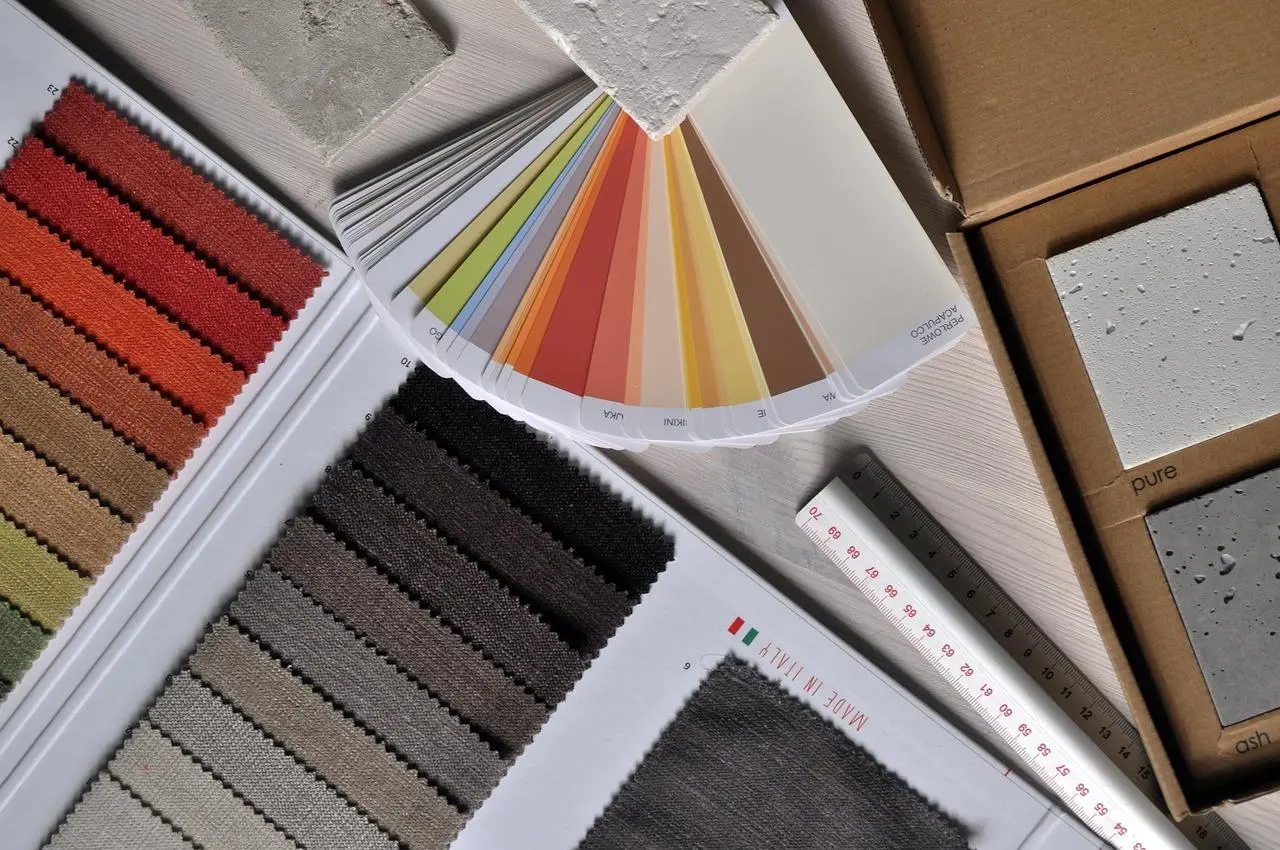
Gather widely first and cut later. StudioBinder suggests looking through editorial photography, commercial photography and other brands to narrow down which visuals you like.
A well-rounded reference set covers more than photos. Figma lists these things to try to include:
- Textures and color palettes
- Photography styles
- User interface (UI) design
- Typography and font pairings
- Icons and illustration styles
- Packaging and brand logos
- Materials or finishes, for anything physical
Figma also says to avoid heavily staged or Photoshopped images and to consider adding original photography. Your own photos make a board feel less like everyone else’s.
Keep your palette tight. StudioBinder says colors should be bold yet complementary, because too many choices become overwhelming.
For type, StudioBinder points to two main options: one font for headlines and another for body copy that matches the vibe of your imagery. It also suggests adding something unique about you or your business so the board stands out.
Assemble the board so it reads at a glance
Once you have a pile of references, the layout decides whether the board communicates. Figma offers a pro tip: place your hero image or main visual in the center, then group supporting elements around it for a cohesive visual hierarchy.

Spacing matters as much as content. Figma recommends alternating photos with typography, balancing color and leaving enough space so the board is easy to read.
A simple assembly order keeps you from fiddling forever:
- Choose the single image that best captures your feeling words and place it in the middle.
- Add the color swatches and the two font samples next to it.
- Fill the remaining space with textures, photography and small details.
- Remove anything that does not match your anchor words.
Pick a tool: free options and paid plans
You can cut up magazines and tape clippings to a board, which Coursera lists as the hand-made route. If you prefer software, the prices below are as listed in Coursera’s article updated Nov 12, 2025.
- Pinterest: free, unless you decide to run paid ads, per Coursera. Boards work like visual folders for saved images.
- Canva: free, with Canva Pro elements starting at $15/month, per Coursera.
- FigJam: free, with more features from $3/month, per Coursera. It has a mood board template you can build around a central image.
- Adobe Firefly: free, with Creative AI plans from $9.99/month, per Coursera.
This site is independent and not affiliated with any tool named here. The mentions are editorial, and the best tool is the one you will actually open.
Refine with feedback, then move on
Step away from the board for a while, then return with fresh eyes. StudioBinder calls this a great time to gather feedback from trusted peers.
Treat feedback as editing, not approval. Coursera describes returning to the board after comments, removing elements that don’t fit and adding new ideas.
When the board feels settled, it can brief a designer. Before a logo comes next, a read through these logo design mistakes will help you avoid the usual traps.
Later, the board’s decisions get locked into a brand book. Coursera says a brand book holds the designated brand colors, your logo, your preferred font and specific branding designs.
Frequently asked questions
Can I make a brand mood board for free?
Show answer
Yes. A free Pinterest account lets you save images into boards without paying, and Coursera notes you only pay if you choose to run ads.
Can AI help me build one?
Show answer
It can fill gaps when you cannot find the exact reference you picture. Figma says digital boards let you blend curated references with AI-generated visuals to pin down your theme.
Who should see my board before I finalize it?
Show answer
Show it to people whose taste you trust. Coursera mentions team members, collaborators or even a client as possible reviewers.
Can a team build boards together?
Show answer
Yes, and it can surface differences early. Coursera says having several creatives make boards shows various perspectives on a complex project, so the group can agree on the brand and its messages.